01
Step 1
Capture the job details
Collect handyman customer info, photos, notes, rooms, materials, and scope details before the estimate gets messy.
Handyman invoicing software for multi-trade professionals. Quote repairs, installations, and home improvements quickly.
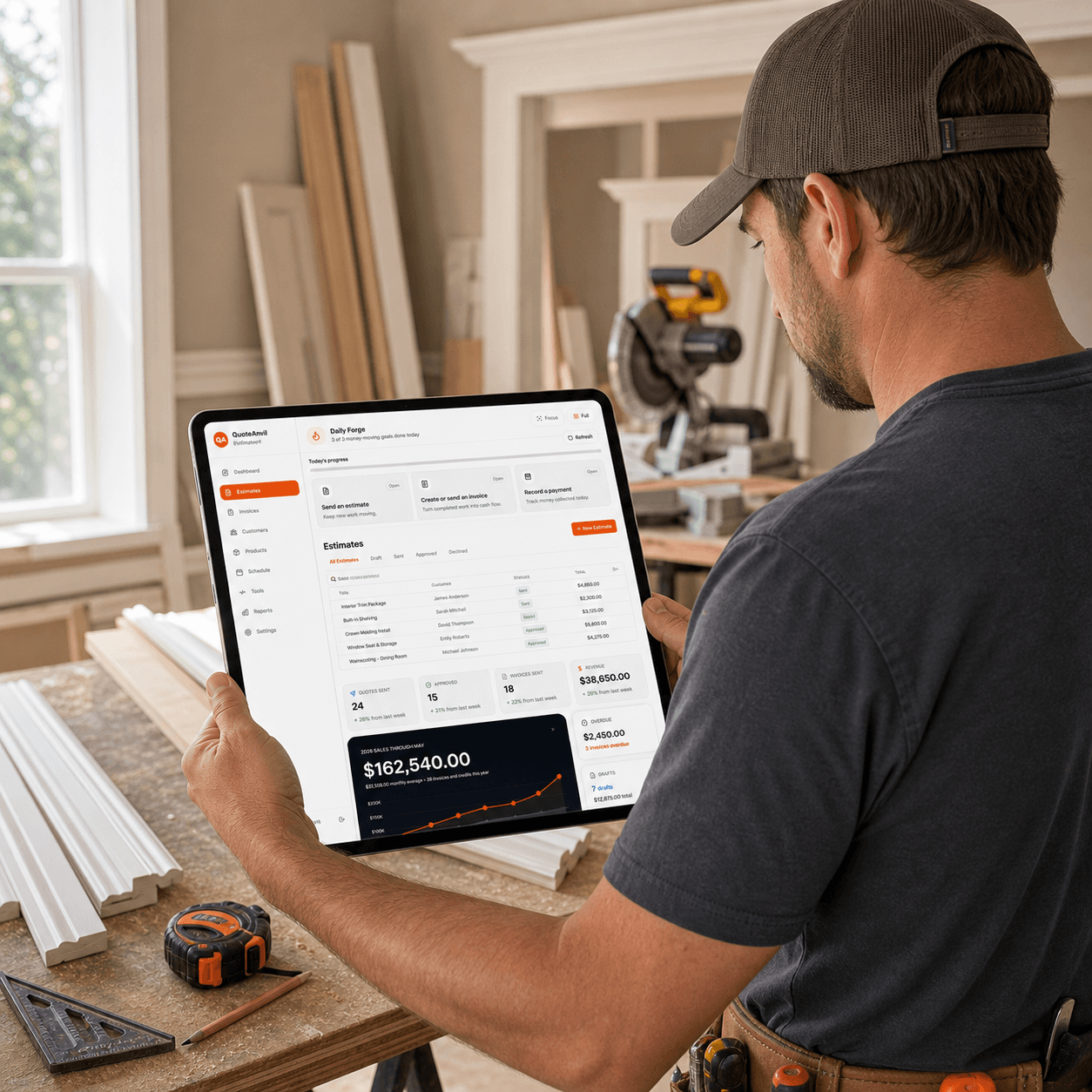
Built for handyman work in the field
Quote, schedule, invoice, and track payments from one dashboard.
Quick quote creation
Multi-service line items
Flexible pricing (hourly or fixed)
Repeat client management
Everything you need to run your handyman business efficiently
Mobile-first trade workflow
Slide through the same steps contractors already follow in the field: capture the work, price it clearly, get customer approval, invoice, and keep the next job moving.
Scheduling workflow checklist
Scheduling works better when the calendar is connected to the approved estimate, customer record, job notes, photos, terms, and invoice plan. Use this field checklist before committing a time window or dispatching a crew.
Confirm the accepted estimate, customer approval, exclusions, and change-order rules before the job is placed on the calendar.
Keep phone, address, access notes, parking, gate codes, pets, and contact preferences attached to the scheduled job.
Check who is assigned, what materials are needed, and whether special tools, lifts, permits, or prep work are required.
Decide when the invoice is sent, what deposit or final-payment terms apply, and what customer follow-up happens after the visit.
Keep the scheduling promise honest: avoid claiming no-show prevention, fixed arrival guarantees, or faster completion. The goal is cleaner context before the visit and fewer handoffs after approval.
Match scheduling needs to a planTrade social previews
These review-ready MarketingForge-style previews show how QuoteAnvil can explain field quoting, customer approvals, and payment follow-up without fake ratings, unsupported speed claims, or hands-free automation promises.

Handyman estimate workflow
Organize multi-task jobs with line items, notes, photos, and approval status.

Handyman field story
Move from small-job scope to payment follow-up without overpromising automation.
Trade estimating guide
Use the guide as a practical checklist for multi-task scopes, hourly or flat-rate line items, approvals, and invoice follow-up.
Start here for software fit, then use the article to review the scope details and customer-facing workflow before creating an estimate in QuoteAnvil.
Handyman estimate software
QuoteAnvil helps handyman businesses move from first request to paid invoice without stitching together spreadsheets, generic invoice apps, text messages, and separate scheduling tools.
Build professional estimates with trade-specific line items, save reusable templates, document job photos, send approvals, convert accepted quotes into invoices, and keep every customer record connected to the job.
It is built for contractors who need fast mobile workflows in the field and cleaner back-office records at night — simple enough for solo operators, but structured enough for growing crews.
The best handyman software should help you create accurate estimates, send professional invoices, schedule work, collect payments, and keep customer/job details together. QuoteAnvil is built for contractors across 150+ trades with trade-specific templates, calculators, photos, signatures, and project tools.
Yes. QuoteAnvil is designed for field use so contractors can build estimates, attach photos, send approvals, convert quotes to invoices, and track payments from a phone, tablet, or desktop.
For many contractors, yes. Generic invoice tools usually stop at billing. QuoteAnvil combines estimates, invoices, scheduling, payments, customer records, trade calculators, templates, and project communication in one contractor-focused workspace.
From solo pros to growing teams — we've got you covered
billed annually ($70/year)
Solo
billed annually ($155/year)
Crew
billed annually ($275/year)
Shop
billed annually ($395/year)
Premium
Use AI-assisted templates or build custom estimates with line items, photos, and your branding ready for review.
Email or text your quote link. Clients can view, approve, and sign digitally from a phone, tablet, or desktop.
Convert to invoice with one click. Track payment status, reminders, and follow-up details in one workflow.
Built for handyman teams that need cleaner quote-to-invoice workflows
✓ No credit card required ✓ 14-day free trial ✓ Cancel anytime